Partner Integration Details
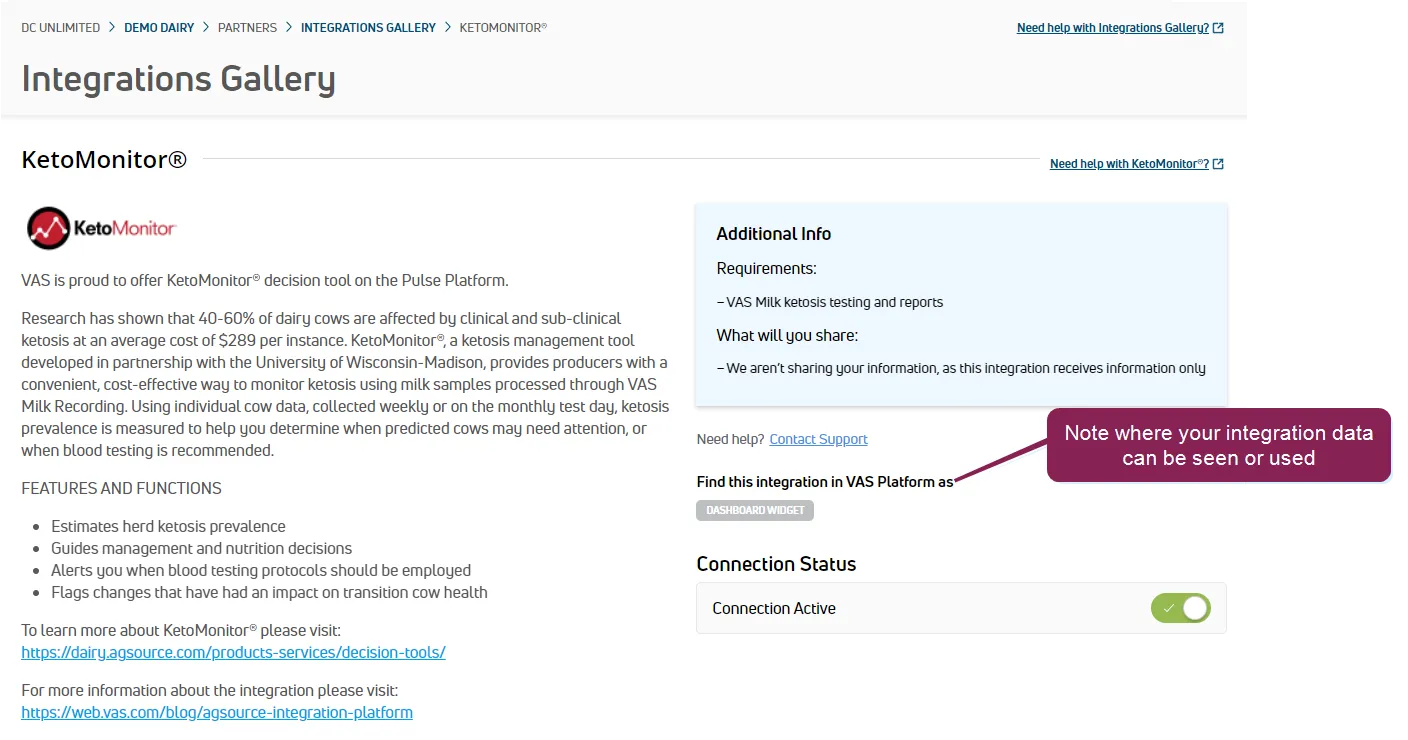
The Partner Integration Details page allows you to view each partner's products or service and how the integration can benefit your dairy. Additionally, it details the technical requirements necessary for the integration.
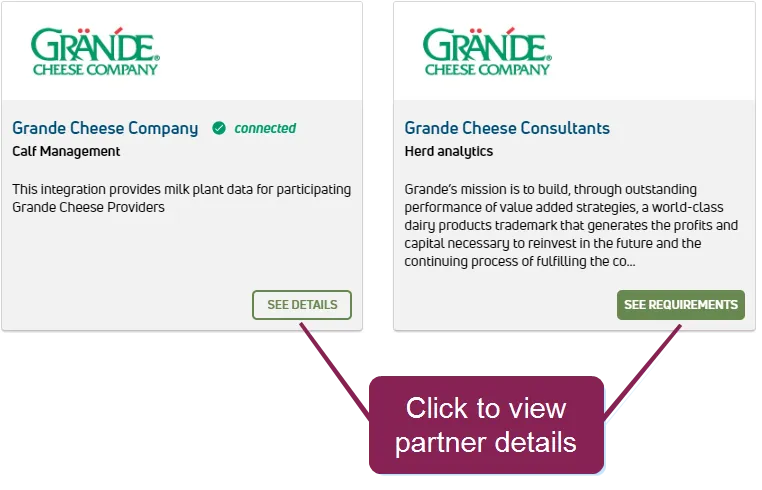
Click See Details or See Requirements on any of the integration cards in the Integrations Gallery to view integration details.
Follow the guidelines below when working with partner integration details:
- After you integrate with a PULSE partner, the system can show the integrated data in PULSE if that is the purpose of the integration. However, if the integration is one-directional (pulling VAS data only), you can view your PULSE data in the partner's system. If the integrated data is visible in PULSE, these icons indicate where the integrated data can be found or used:
Icon | Description |
|---|---|
 | You can find the features of this integration on the Partners tab in the animal CowCardCowCard. |
 | DairyComp data is being exchanged with partner in the form of items and events. |
 | You can find the features of this integration as a widget you can add to a dairy or company dashboarddashboard. |
 | The integration generates worklistsworklists. See Complete Tasks (v1)Complete Tasks (v1) or Complete Tasks (v2)Complete Tasks (v2) for more information. |
- You can quickly see your current partner integration status (active or not active):
Icon | Description |
|---|---|
 | You are currently connected to and integrated with this partner. Click the toggle to deactivate the partner's integration. |
 | You are not connected to or integrated with this partner. Follow the integration activation instructions or contact VAS Support to enable the partner's integration with your dairy. |