Configure a Tru-Test SRS2 Scanner
The Tru-Test SRS2 RFID scanner is a portable hand-held device that allows you to quickly read, record, and transfer EID tag information for the animals in your herd.

IMPORTANT: Tru-Test SRS2 RFID scanners are currently only supported in the Android version of the mobile app. Always charge your scanner to 100% before configuring settings. Expand the sections below to learn more
The display is not a touchscreen. You can navigate to options using the Arrow buttons.
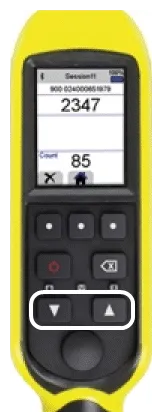
To select an option, press the Scan button.
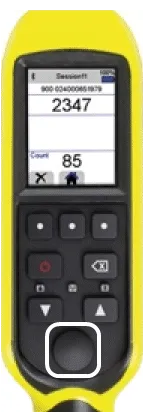
NOTE: The Scan button is also referred to as the Read and/or Select button in your Tru-Test SRS2 RFID scanner user manual.
To return to a previous menu, press the Return button.
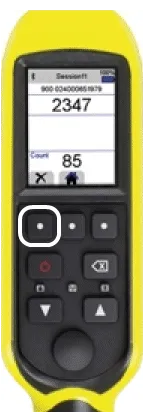
Follow the steps below to configure a Tru-Test SRS2 RFID scanner:
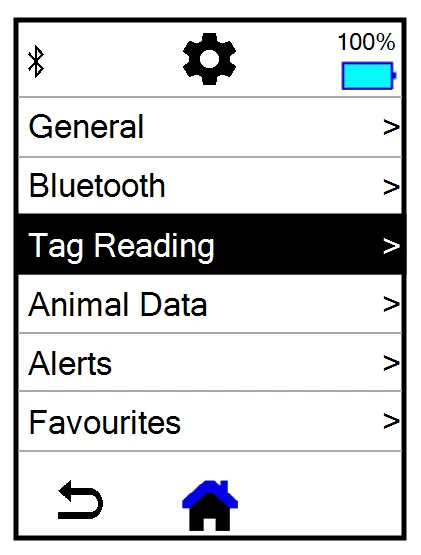
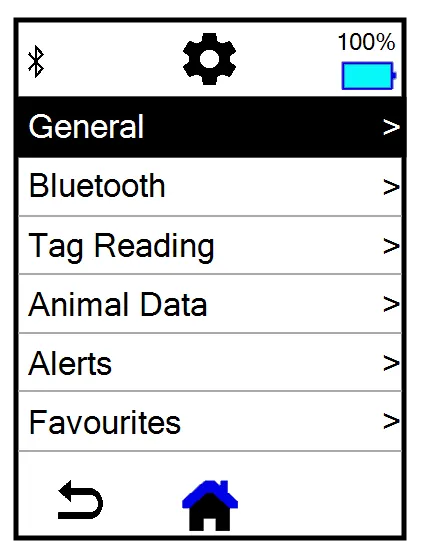
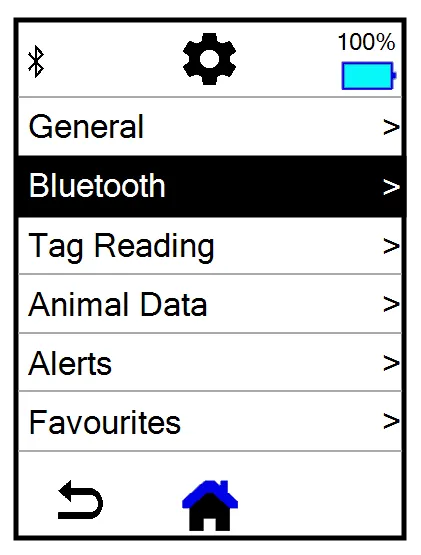
Use the Arrow buttons to navigate and press the Scan button to select Settings.
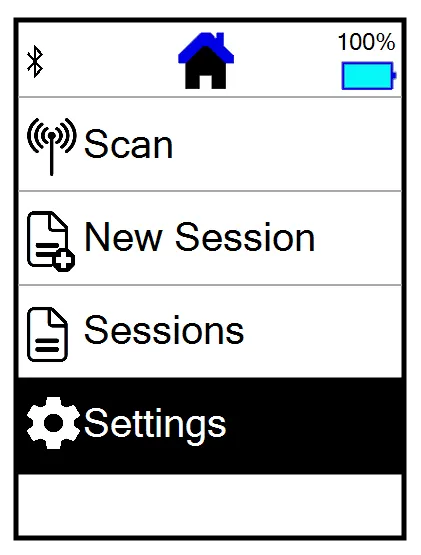
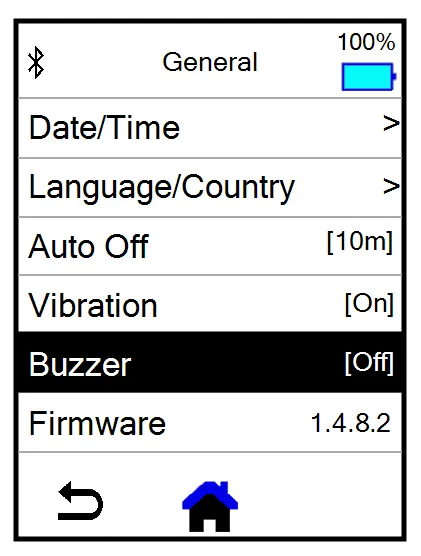
Select General.
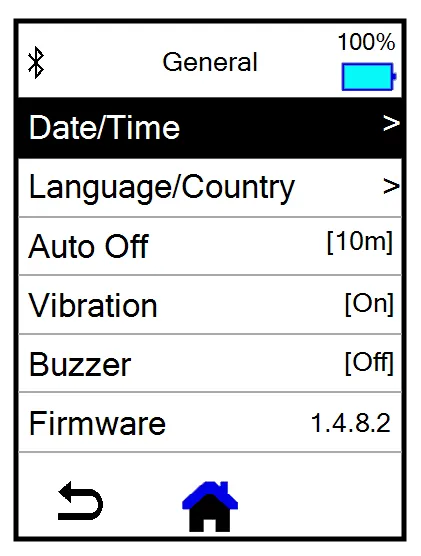
Select Date/Time.
Select the current Date, Month, and Year.
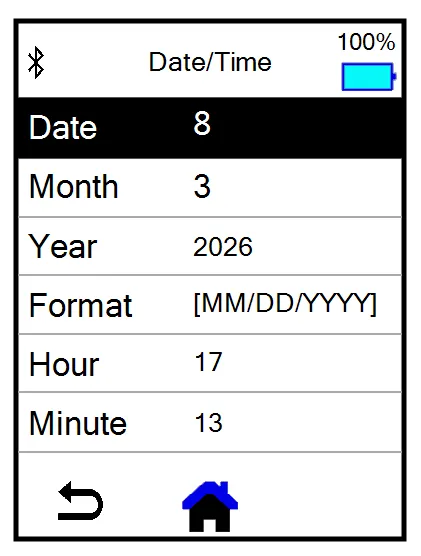
Set the Format to MM/DD/YYYY.
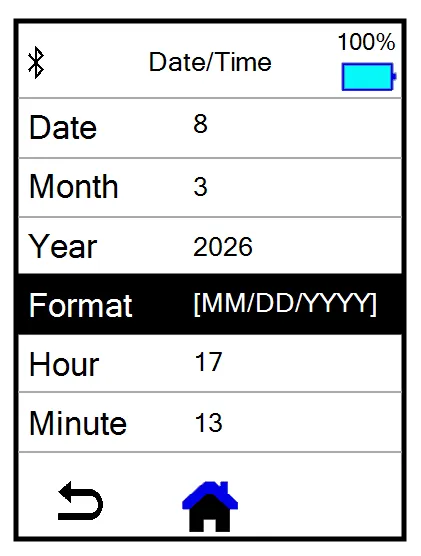
Set the Hour and Minute time settings for your time zone.
NOTE: Time settings are in military time.
Press the Return button to return to the General menu.
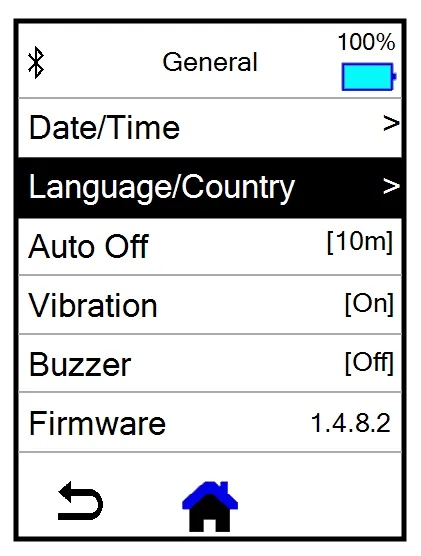
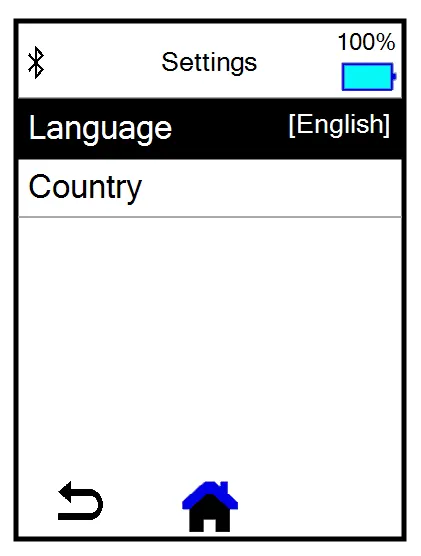
Set Auto Off to 10m.
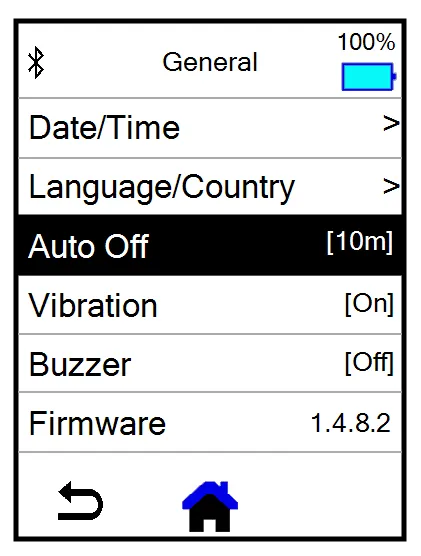
Press the Return button to return to the General menu.
Set Vibration to On.
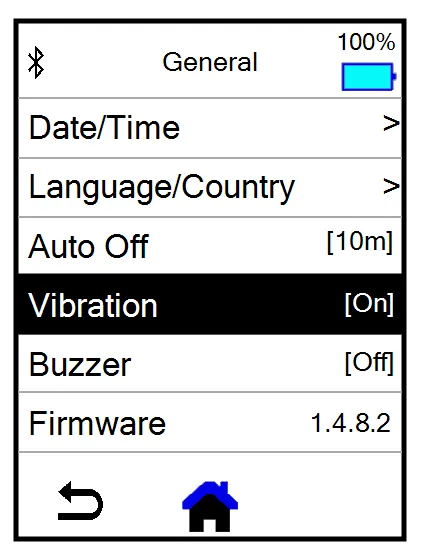
Press the Return button to return to the General menu.
Set Buzzer to Off.
Press the Return button to return to the General menu.
Press the Return button to return to the Settings menu.
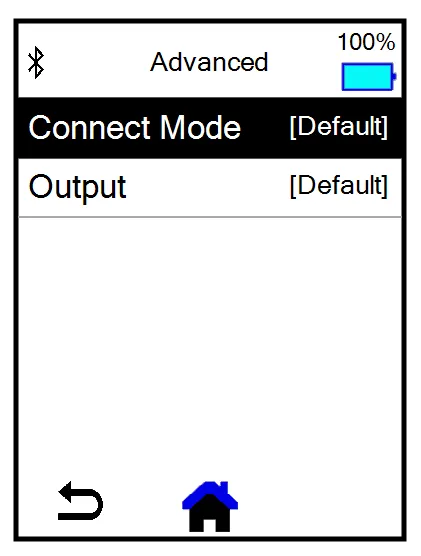
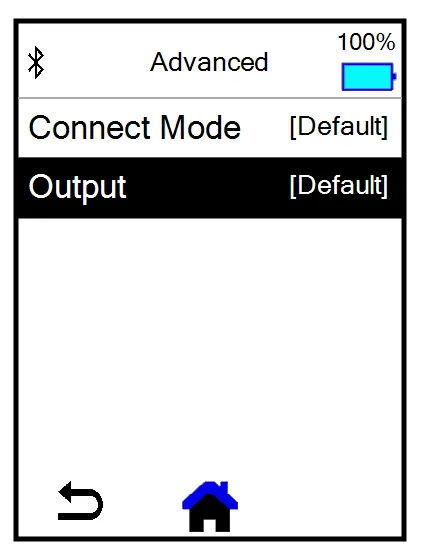
Select Bluetooth.
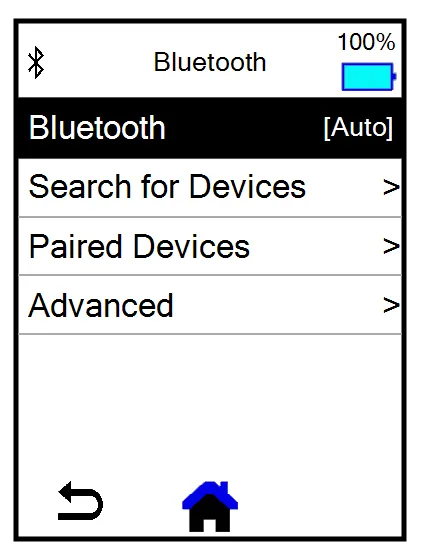
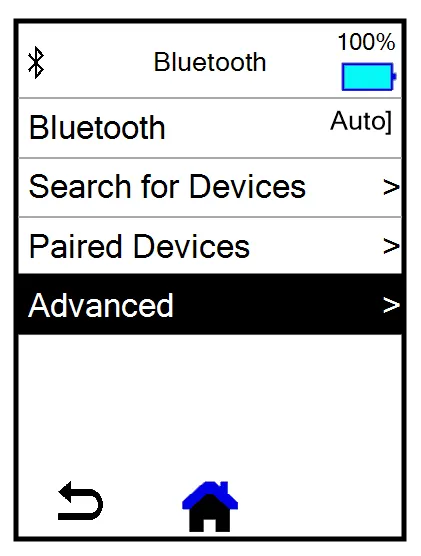
Set Bluetooth to Auto.
Press the Return button to return to the General menu.
Press the Return button to return to the Settings menu.