Using the VAS Platform Mobile App
3 min
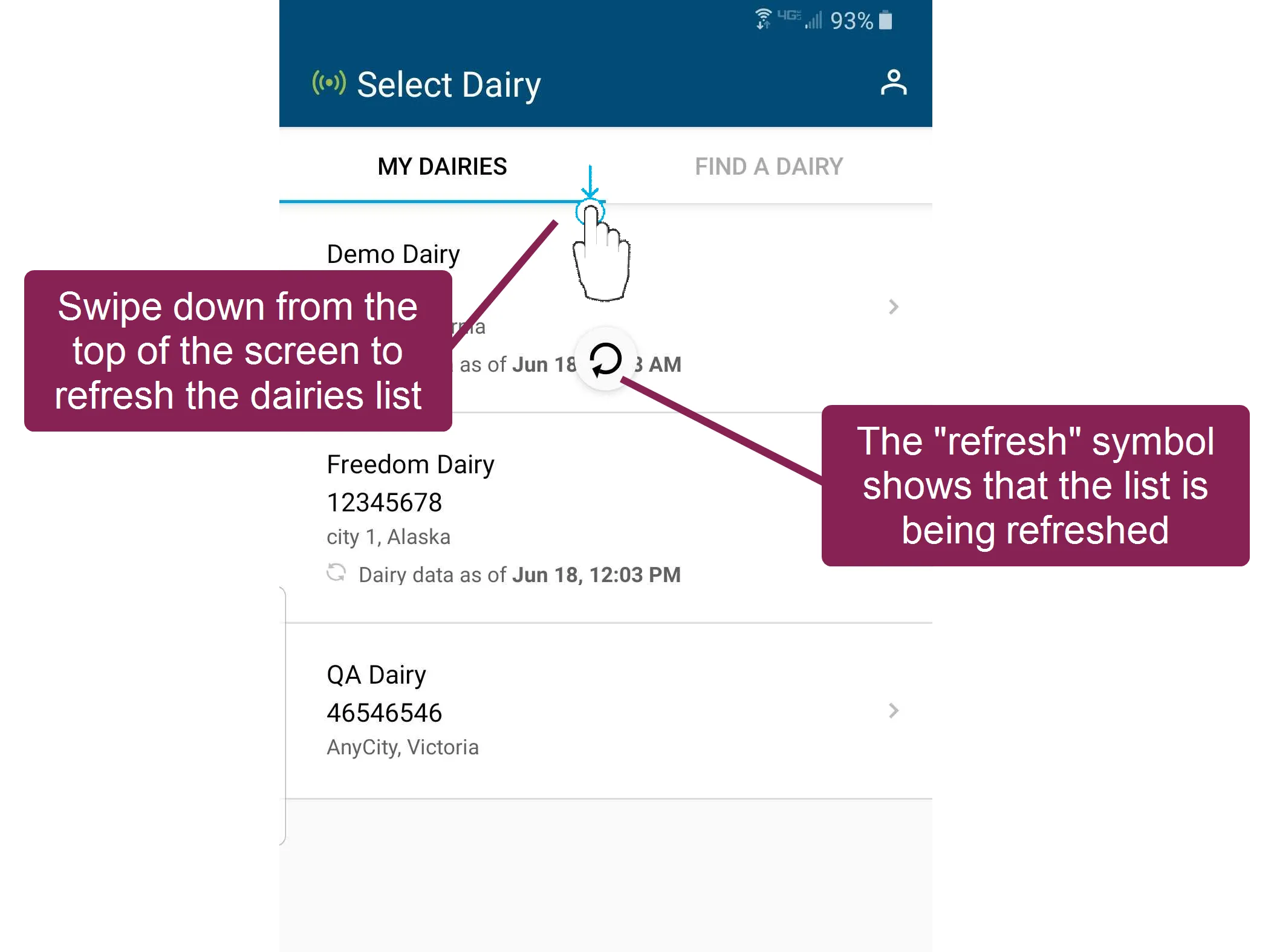
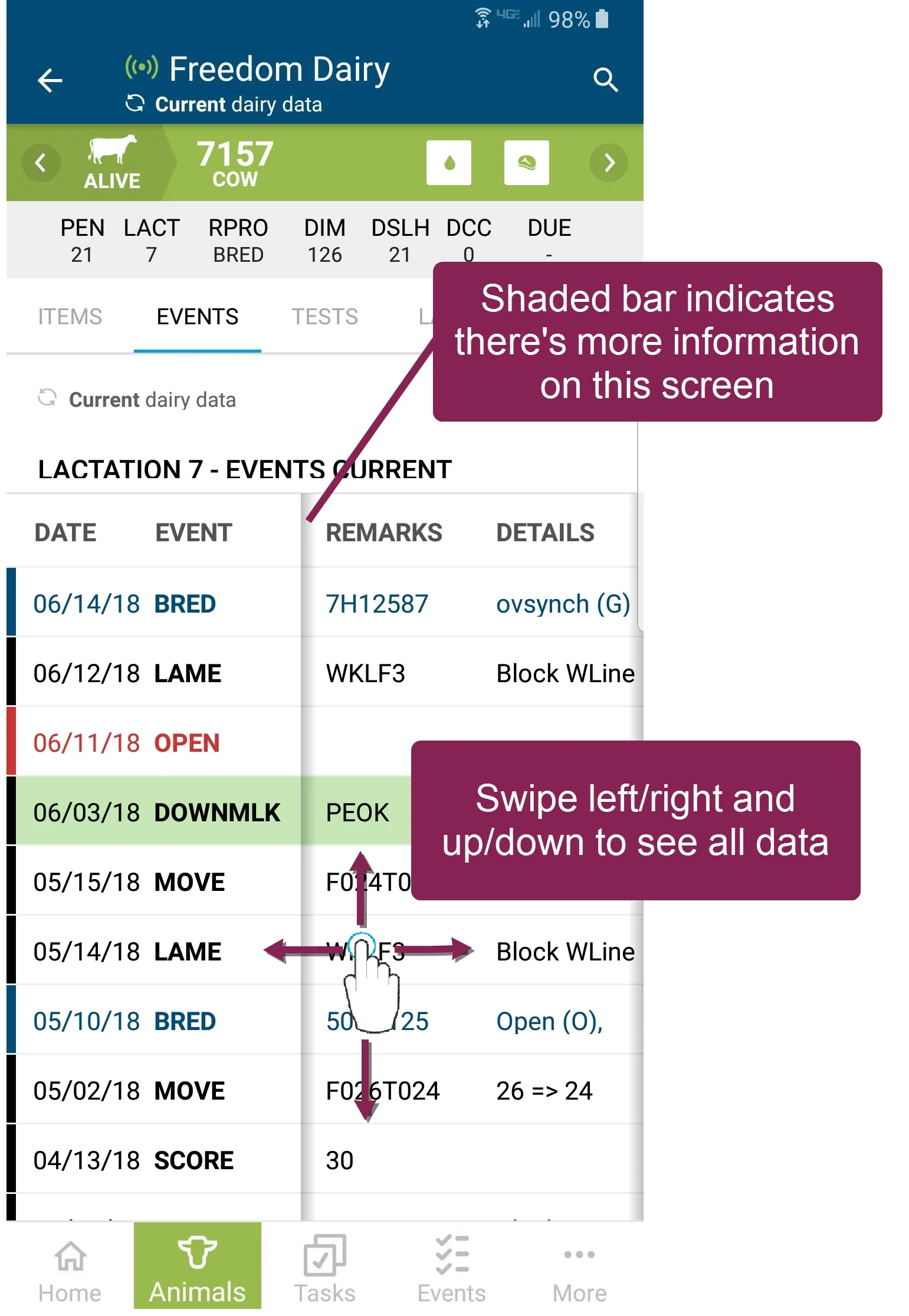
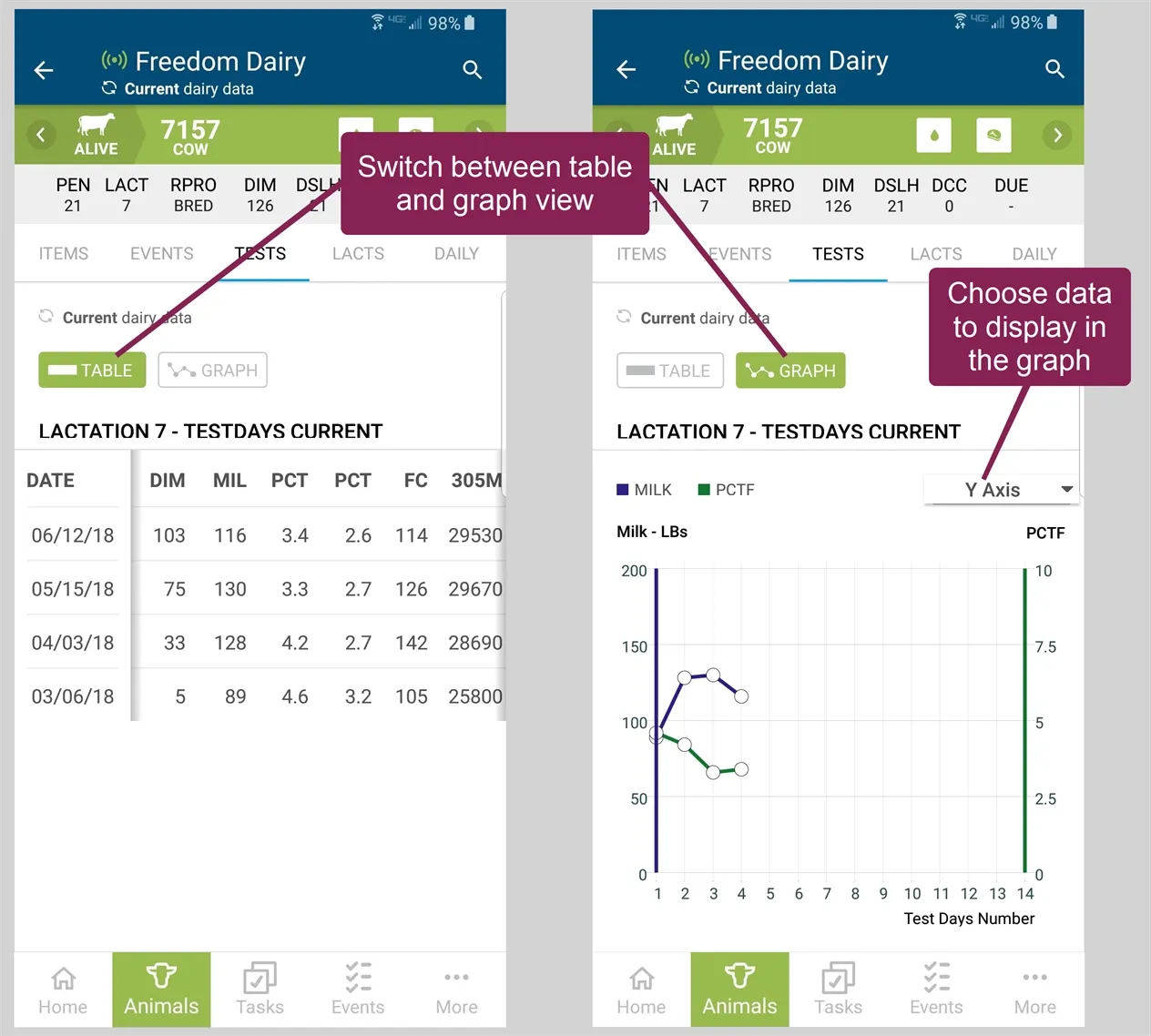
the vas platform mobile app provides the most recent animal data while you are out with the herd or away from the dairy please be aware that the mobile app displays only the most recent events, tests, and lactations, and only for animals that are alive and on the dairy for full access to historical animal activity, tests, etc , use the web version of pulse https //platform vas com/login online and offline mode when the mobile app has an active wifi or data connection, you can refresh your data if you go outside of data range, the app will continue to work in offline once you are back in data range, you can refresh your data and view the latest updates note while the mobile app allows you to continue working in offline mode, some features in the mobile app require you to be online to see data see the topics below to learn more does the mobile app use my cell phone data? docid\ oqmesms57eh5n3x 6m6q1 what if i have poor or limited internet access in the barn? can i still use pulse? docid\ eeaucobjwhai642og5usm using mobile app features the following topics explain how to use the main features in the mobile app animals on mobile docid\ joh4h89ohe4tl08rzywv7 tasks & worklists docid\ uupc6krkxurknojf0fyvb event entry docid\ fx i5bscdawaj1033pehq manage mobile app data docid\ amws6cuav dc72ctaipdt user account page docid 6asjyhlqn nhs3u4lqmys set up multiple user accounts on a shared device dairy owners can easily keep a tablet onsite for dairy workers to use during their shifts make sure to set up platform accounts for all workers who will need to use the tablet (see invite a user to your dairy docid\ ocpdqco9ufw6nsybb02al ), and then allow them each to log in to pulse app on the tablet once each user has logged in and set up their pin, they can choose their user account from the app start‑up screen and enter their pin to use the app refresh my dairies list swipe down from the top of the screen to refresh your dairies list scroll to see all of your data on screens such as the cowcards events or lactations tabs, a shaded bar indicates that more information is included for this screen swipe left/right and up/down to view all of the data view data as a graph on some screens, you can tap the graph option to view your data in a graph