Delete a Tru-Test SRS2 Scanner Session
The Tru-Test SRS2 RFID scanner is a portable hand-held device that allows you to quickly read, record, and transfer EID tag information for the animals in your herd.
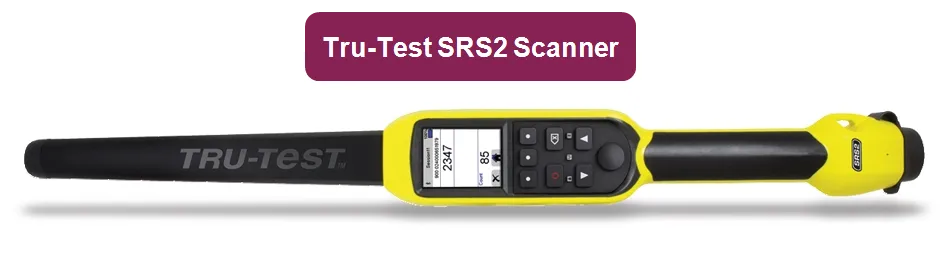
IMPORTANT: Tru-Test SRS2 RFID scanners are currently only supported in the Android version of the mobile app. Expand the sections below to learn more
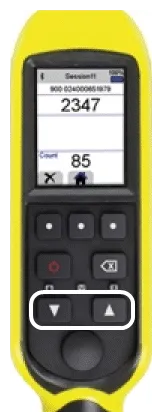
The display is not a touchscreen. You can navigate to options using the Arrow buttons.
To select an option, press the Scan button.
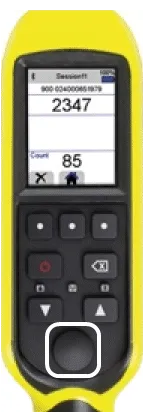
NOTE: The Scan button is also referred to as the Read and/or Select button in your Tru-Test SRS2 RFID scanner user manual.
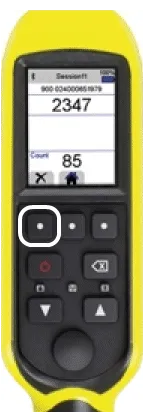
To return to a previous menu, press the Return button.
Follow the steps below to delete a Tru-Test SRS2 RFID scanner session:
- Use the Arrow buttons to navigate and press the Scan button to select Sessions.
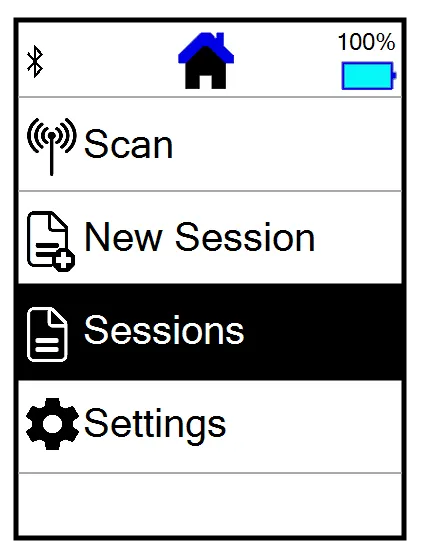
- Select a Session name.
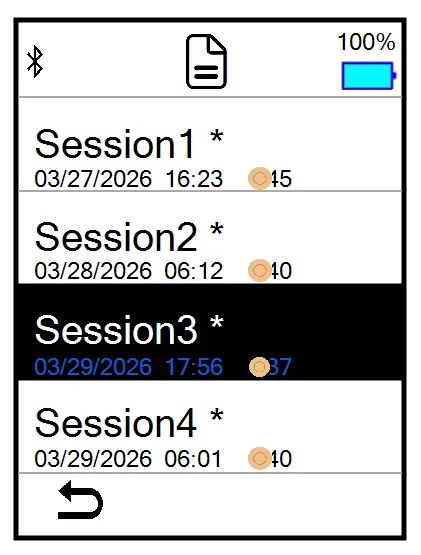
- Select a session ID.
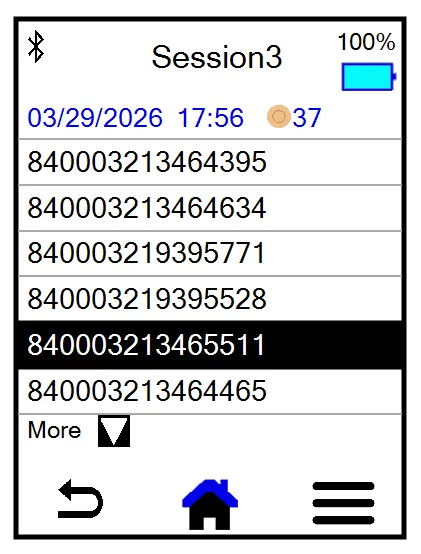
- Select the hamburger icon in the bottom right corner
 .
.
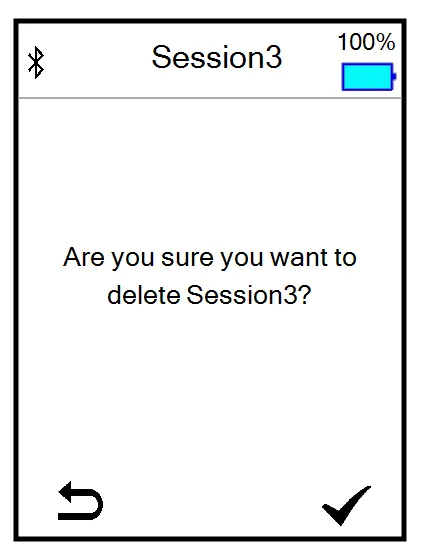
- Select Delete.
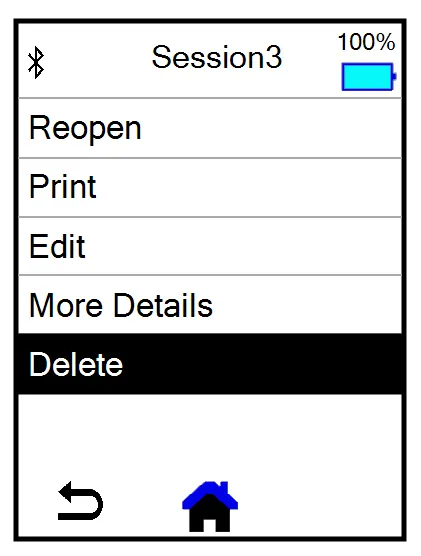
- Select the check mark icon in the bottom right corner
 to confirm the deletion.
NOTE: A session holds up to 10,000 scans. When a session fills up, you'll need to start a new session to continue sending data to the mobile app.