Install or Update the Mobile App
Follow the guidelines below to Install or Update the Mobile App:
Review the Minimum Requirements on the VAS website before installing the mobile app on iOS and Android devices.
The mobile app offers many of the same features as the web version and can be used on Android and Apple iOS devices. Review the Minimum Requirements on the VAS website before installing the mobile app on iOS and Android devices.
Follow the steps below to Install the Mobile App:
- Visit Google Play or the Apple App store on your device to download and install the app.
- Launch the app and log in with your PULSE username and password.
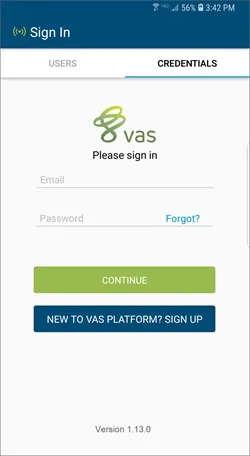
If you have not created your PULSE user account, tap New to VAS PULSE Platform? Sign Up (see Sign UpSign Up for help). Complete the sign-up process and log in to the mobile app.
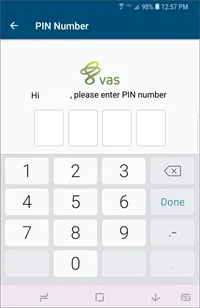
- Set a 4-digit PIN number that you will enter each time you open the mobile app.
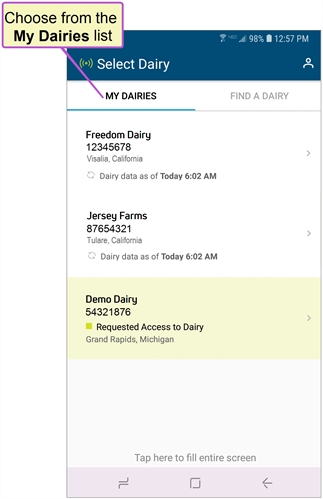
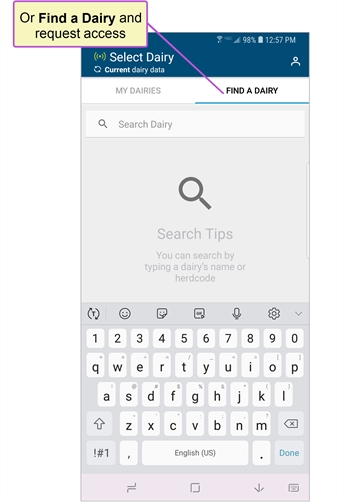
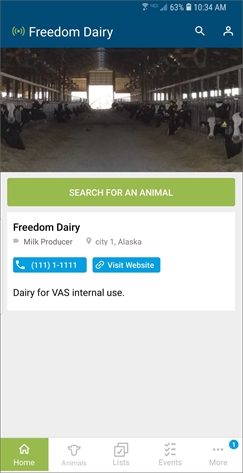
- After you log in, use the My Dairies tab to choose a dairy and begin viewing data or the Find a Dairy tab to search for and connect to a dairy.
See Using the VAS Platform Mobile App for more information
Updates are typically controlled by the options you choose in your mobile device settings, which are independent of VAS PULSE Platform settings. The most recent release of the mobile app is always available in the app store. If your device does not have the current version installed, please visit Google Play or the app store and update it from there.
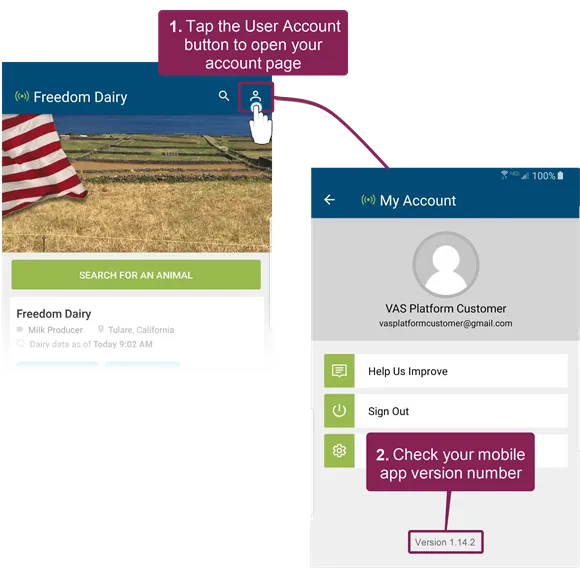
Tap the User Account button  at the top right of the screen to open the My Account screen to check which version of the mobile app you are using.
The current mobile app version number is displayed at the bottom of the screen.
- Using the VAS Platform Mobile AppUsing the VAS Platform Mobile App (v1)