Manage Mobile App Data
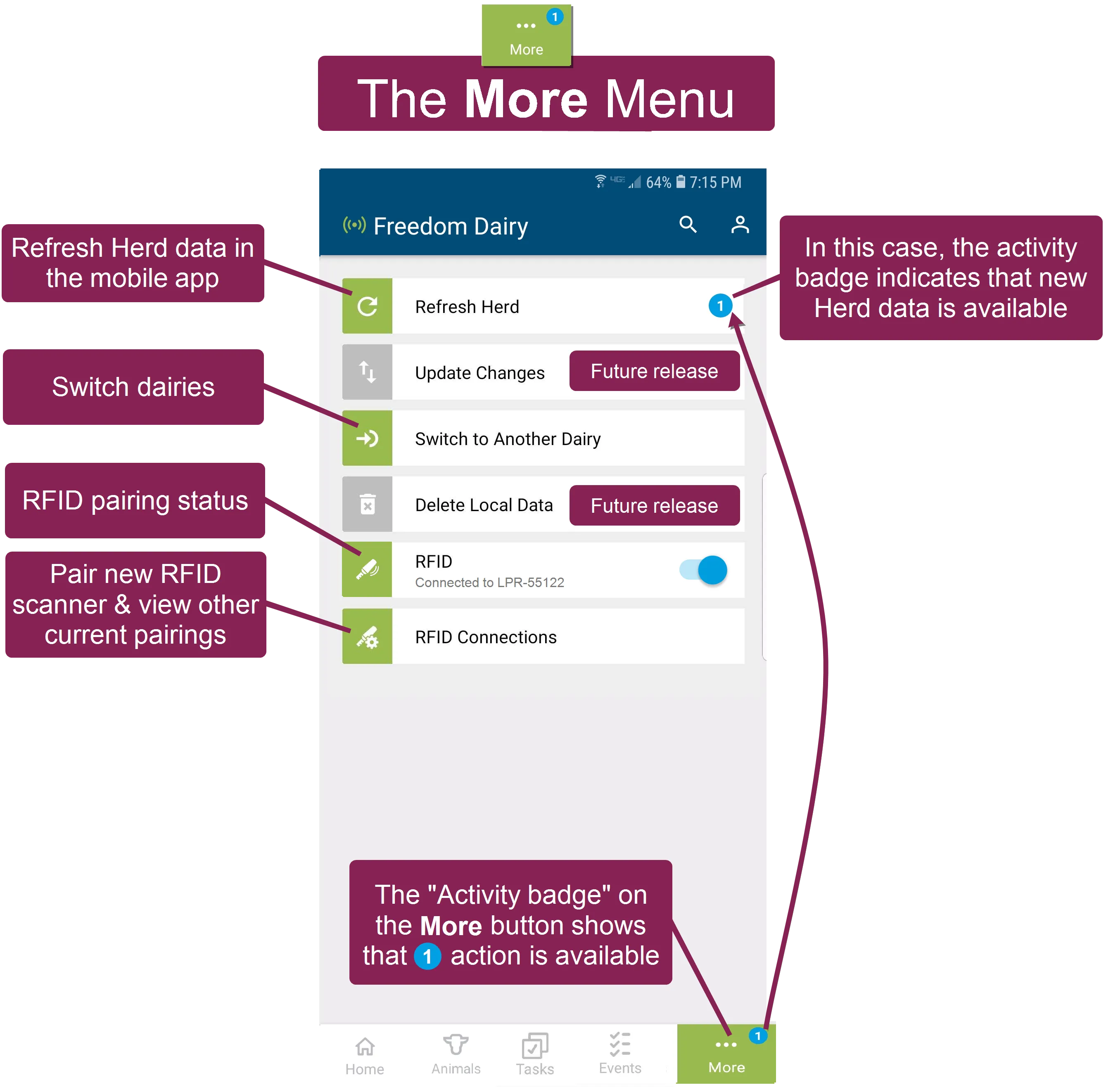
 Tap More at the bottom right of the app to access additional options in the mobile app.
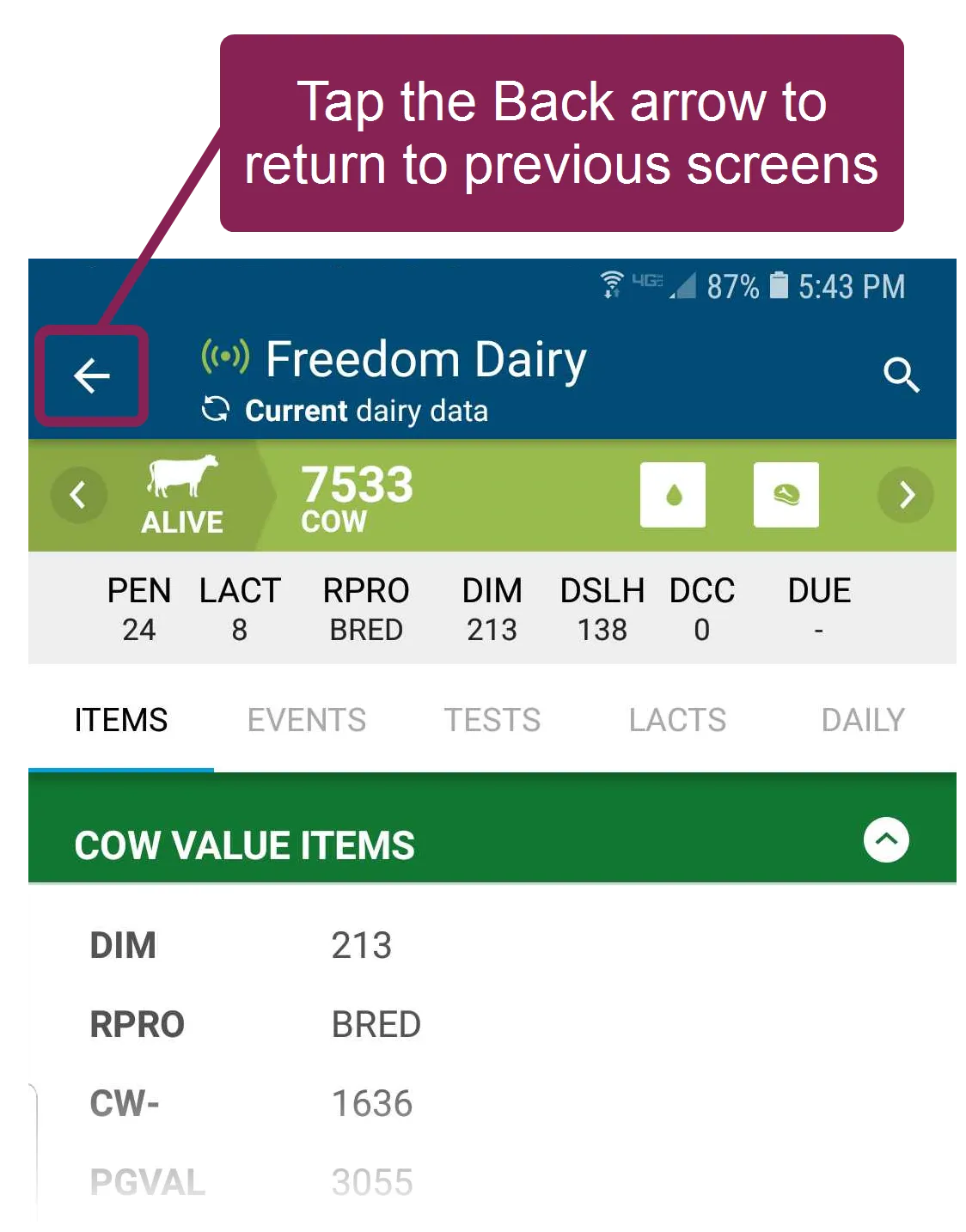
If you do not see the More button at the bottom of your screen, tap the Back arrow at the top left of the page until you return to one of the main feature screens. From there, you'll find the feature buttons at the bottom of the screen.
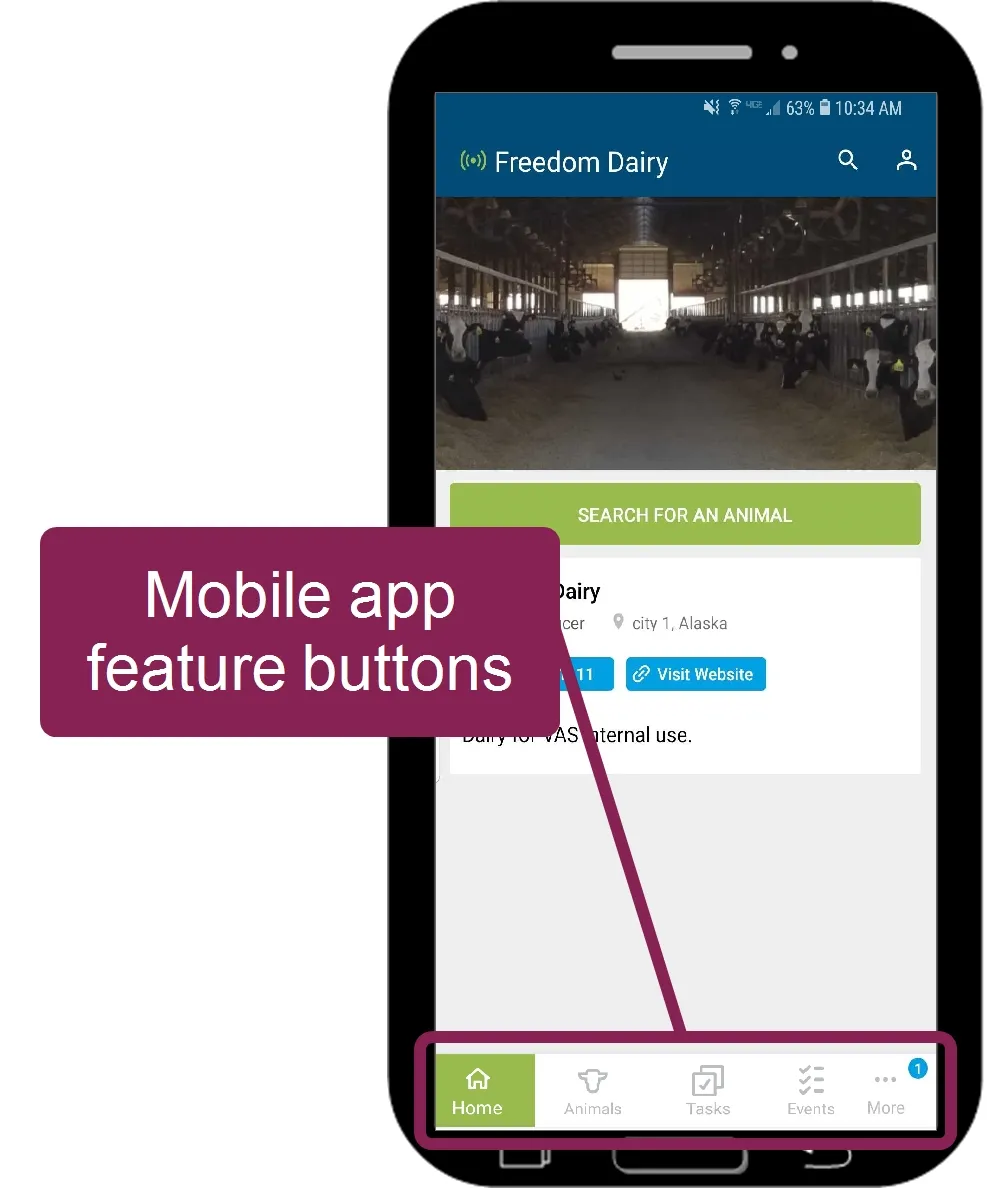
While your mobile device maintains an active WiFi or data connection, the VAS PULSE Platform mobile app automatically checks for herd updates. When new data is available for download, the system displays a numbered activity badge on the More button.
NOTE: MyDC on PULSE subscribers can refresh mobile data from PULSE at any time and thus will not see the activity badge. Additionally, MyDC users can set the system to automatically refresh the herd data when you switch to another dairyswitch to another dairy. In your User Settings Menu (v1)User Settings Menu (v1), go to the Care Package field and select Download Automatically to enable this feature.
Follow these steps to refresh herd data:
- Go to the mobile app Home page. Note that for DairyComp Unlimited subscribers, the More button will display an activity badge when new data is received from on-premise DairyComp or PULSE (see example above).
- Tap the More button to open a page of more options in the app.
- Tap the Refresh Herd button at the top of the page.
- Allow the app a few moments to refresh the herd data. The required time will vary based on the amount of data that needs to be updated, as well as the speed of your WiFi or data connection.
- Once the herd data is refreshed, you will find your dairy's most recently available herd information within the mobile app.
You can switch to another dairy at any time by tapping the More button and then tapping the Switch to Another Dairy button in the More menu (see example above). If the list of available dairies does not appear to be correct, see Refresh My Dairies ListRefresh My Dairies List to update it.
The Android version of the mobile app supports most RFID scanners and wands that can establish a Bluetooth connection with your device, and you can pair with them directly through PULSE app. See Work with RFID ScannersWork with RFID Scanners (v1) for more information.
The mobile app displays an Integration Status Alert if it detects that the data from on‑premise DairyComp has not been synchronized with PULSE for 24 hours or more. This is a critical error that requires immediate attention to ensure that all animal information, worklist details, and event data continue to sync correctly with the PULSE and mobile app.
The alert displays below the dairy name when your device is online, and if you attempt to use the app when your data is out of sync, the system displays a pop‑up warning to ensure that you want to continue using the app with potentially expired data.
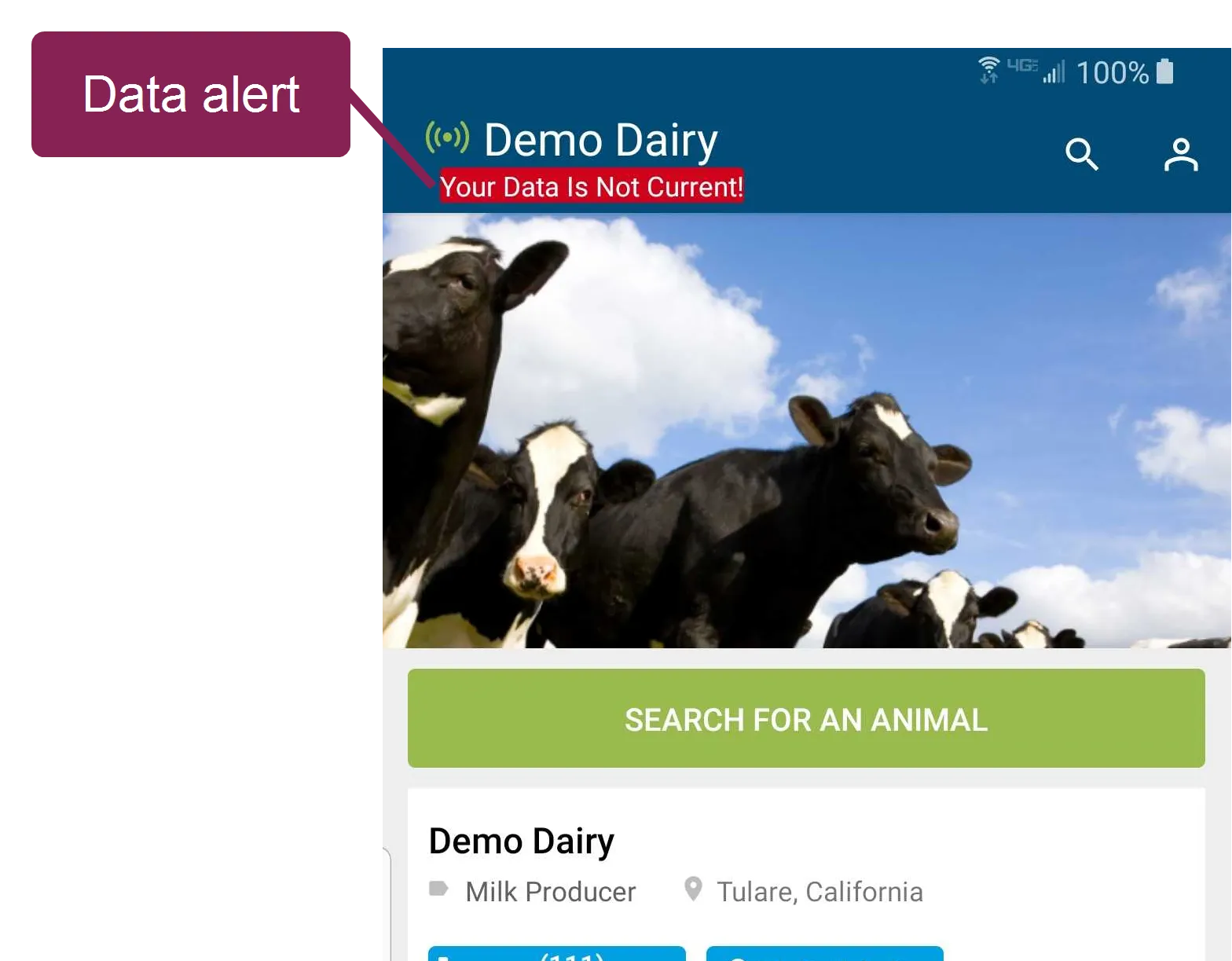
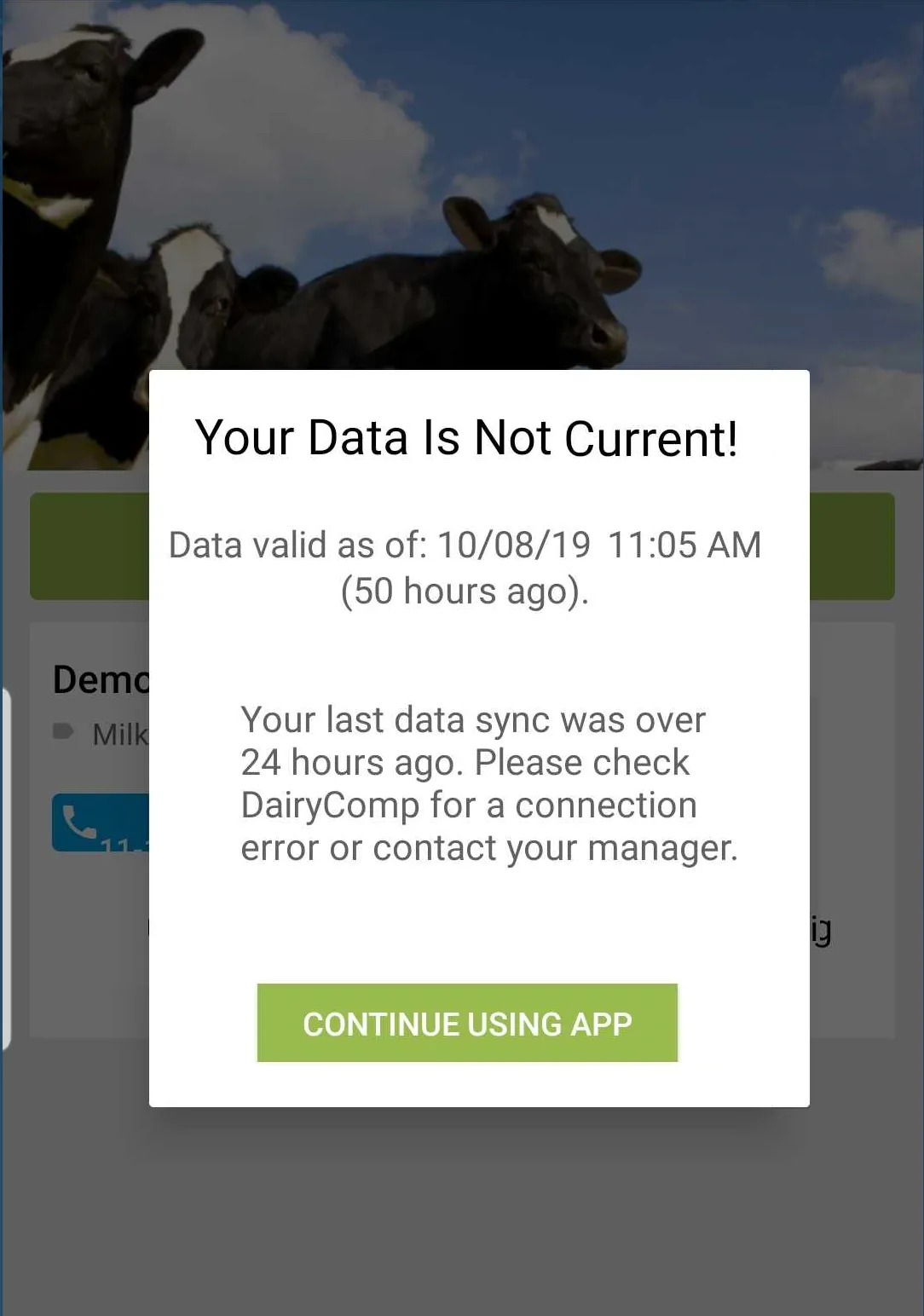
The error may result from a connection issue between DairyComp and PULSE, in which case you should contact your manager or office staff to verify that DairyComp is running normally. See Integration Status for more information on troubleshooting PULSE connection and data issues.